
Growth
A profile audit checklist for Instagram, from bio to hashtags
A section-by-section checklist for any Instagram profile: header, highlights, grid, captions, hashtags and activity, plus what to fix first.
Instagram cut the number of hashtags per post from 30 to five. Here is what tags still do and a quick method for choosing five precise ones for every post.

For years, Instagram allowed up to 30 hashtags on a post, and many accounts used every one of them. In mid-December 2025, Instagram announced that it would gradually lower the number of hashtags you can add to a post or reel to five, saying that a few targeted tags work better than many generic ones. The Help Center now states the rule plainly: "You can use up to 5 tags on a post. If you include more than 5 tags on a single photo/video, your comment won't post." (Instagram Help Center (opens in a new tab), checked November 2026).
Instagram said the change would reach accounts gradually, so not everyone got the new limit on the same day. The direction is clear either way, and planning for five is the safe choice for every new post.
The limit changes the job. With 30 slots, you could add every tag that was even slightly related and hope something worked. With five, every tag has to earn its place, and the question becomes which five describe this exact post best.
Update, November 2026: the Help Center still says up to 5 tags per post (checked November 2026). Some older Meta documents and many articles still mention 30; for posts and reels in the app, the Help Center number is the one that applies.
Hashtags have not disappeared; their role has become narrower. According to the Help Center page above, when a public account adds a hashtag to a post, the post becomes visible on that hashtag's page. People who search for the tag or tap it on another post can find yours there. Posts from private accounts do not show up on hashtag pages, so tags mostly matter for public accounts.
Instagram's creators FAQ adds one more point. It says that trending hashtags that are relevant to the topics in a reel can help it reach more people interested in those topics, and warns against showing irrelevant hashtags, "because engagement and consequently distribution may suffer if your content is shown to audiences who aren't interested in your content" (Instagram for Creators (opens in a new tab), checked November 2026).
Put together, hashtags are labels. They tell Instagram and people what a post is about. They do not add reach on their own, and a wrong label can send a post to people who scroll past it. That is the reason to pick five precise ones rather than five popular ones.
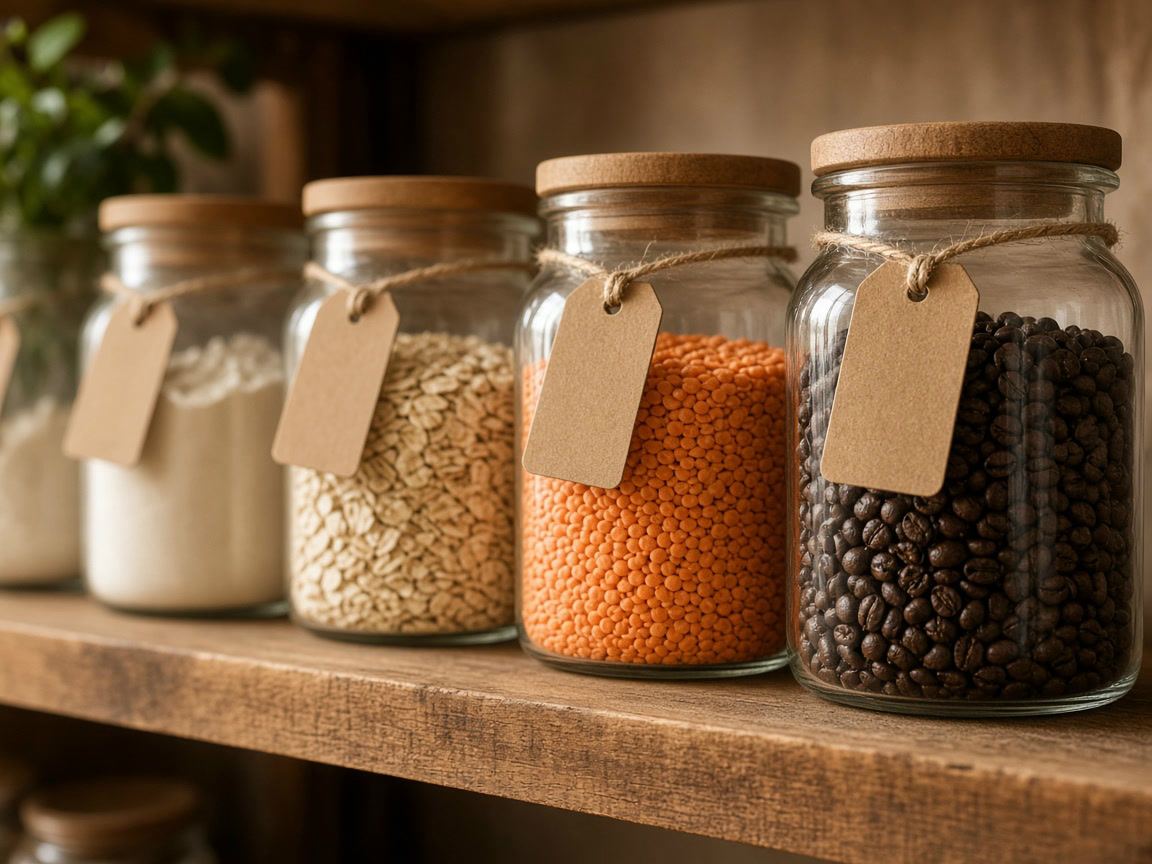
The easiest way to choose is to give every slot a job. We use this mix in our own hashtag generator: about one broad tag, two niche tags and two specific ones. It is a starting point, not a rule from Instagram.
The topic in one or two words, such as #baking or #running. It places the post in a large category.
Communities with a shared interest, such as #sourdoughbaking or #trailrunning. People who follow these care about the subject.
What is exactly in the picture, or where it is: #ryebread, #lisbonbakery, #ultratrail. Narrow tags bring fewer viewers but the right ones.
If you run a business or a series, one of the specific slots can be your own tag, such as the name of your shop or a recurring theme. It collects your posts, and customers can use it too.
| Post | Broad | Niche | Specific |
|---|---|---|---|
| A bakery shares a photo of a rye sourdough loaf | #bread | #sourdough, #realbread | #ryebread, #lisbonbakery |
| A runner posts a reel from a mountain race | #running | #trailrunning, #mountainrunning | #ultratrail, #dolomites |
| A potter shows a new set of glazed mugs | #ceramics | #handmadepottery, #wheelthrown | #stonewaremugs, #yourstudioname |
These are examples to show the structure, not a list of recommended tags. The right tags for your post depend on what people in your niche actually use, which you can check in the app (see the steps below).
For example: "a rye sourdough loaf from our bakery in Lisbon". The nouns in that sentence are your candidates: rye bread, sourdough, bakery, Lisbon.
Write them without spaces or symbols. The Help Center notes that numbers are allowed, but spaces and special characters such as $ or % do not work.
Search for the tag and look at the posts on its page. If they look like yours, it is a good label. If they are spam, off-topic or something unexpected, drop it.
Tags such as #love, #instagood or #photooftheday describe nothing. Follow and like bait, such as #follow4follow, signals the opposite of what you want.
Keep one broad, two niche and two specific tags, and paste them at the end of the caption. Our generator does this step for you and warns when a set goes above five.
Posts published before the change keep their tags, and you do not need to go back and edit them. When our Instagram audit finds older posts with long tag lists, it only shows a note, because there is nothing to fix on new posts.
The things worth updating are the ones you reuse:
Captions matter more now that tags are fewer. A clear first line and a few words about what is in the post also tell people what they are looking at. Our post on writing captions people read covers hooks and structure.
Your competitors and peers have already tested many tags for you. The Instagram analytics tool lists the 15 hashtags a public account used most often in its latest posts, ready to copy. Look at three or four similar accounts, note the tags that appear in more than one list, and check those tags' pages in the app. Older posts in such a list may still carry long tag blocks from before the limit, so the most frequent tags are a source of ideas, not a set to copy.
Then keep track of your own posts. After a few weeks, compare posts with different specific tags in your insights. If one tag keeps appearing on your better posts, it fits your audience; if another never seems to matter, swap it for something more precise.
Up to five per post or reel, according to the Instagram Help Center (checked November 2026). If you include more than five, the Help Center says your comment won't post.
That does not add slots. The Help Center describes the limit per post and warns that with more than five tags, your comment won't post, so plan for five in total.
Five is a maximum, not a target. If only three tags really describe the post, three precise tags are better than five where two are filler.
Posts from private accounts do not appear on hashtag pages, so tags do little for discovery there. They can still help you organize your own posts.
Growth
A section-by-section checklist for any Instagram profile: header, highlights, grid, captions, hashtags and activity, plus what to fix first.

Growth
What likes, comments and posting dates reveal about any public account, and why reach, saves and demographics stay out of reach.

Growth
The rules for Instagram usernames, simple tests for a memorable handle, and five ways to find a free version of the name you want.